An AI girlfriend video generator is the rarest thing in the companion space. Most AI companion apps are built around chat. A smaller group adds image generation. A much smaller group actually lets you generate short video clips of a character you designed, with her face staying consistent from one clip to the next. That last part is the hard problem, and it is what we tested for this page.
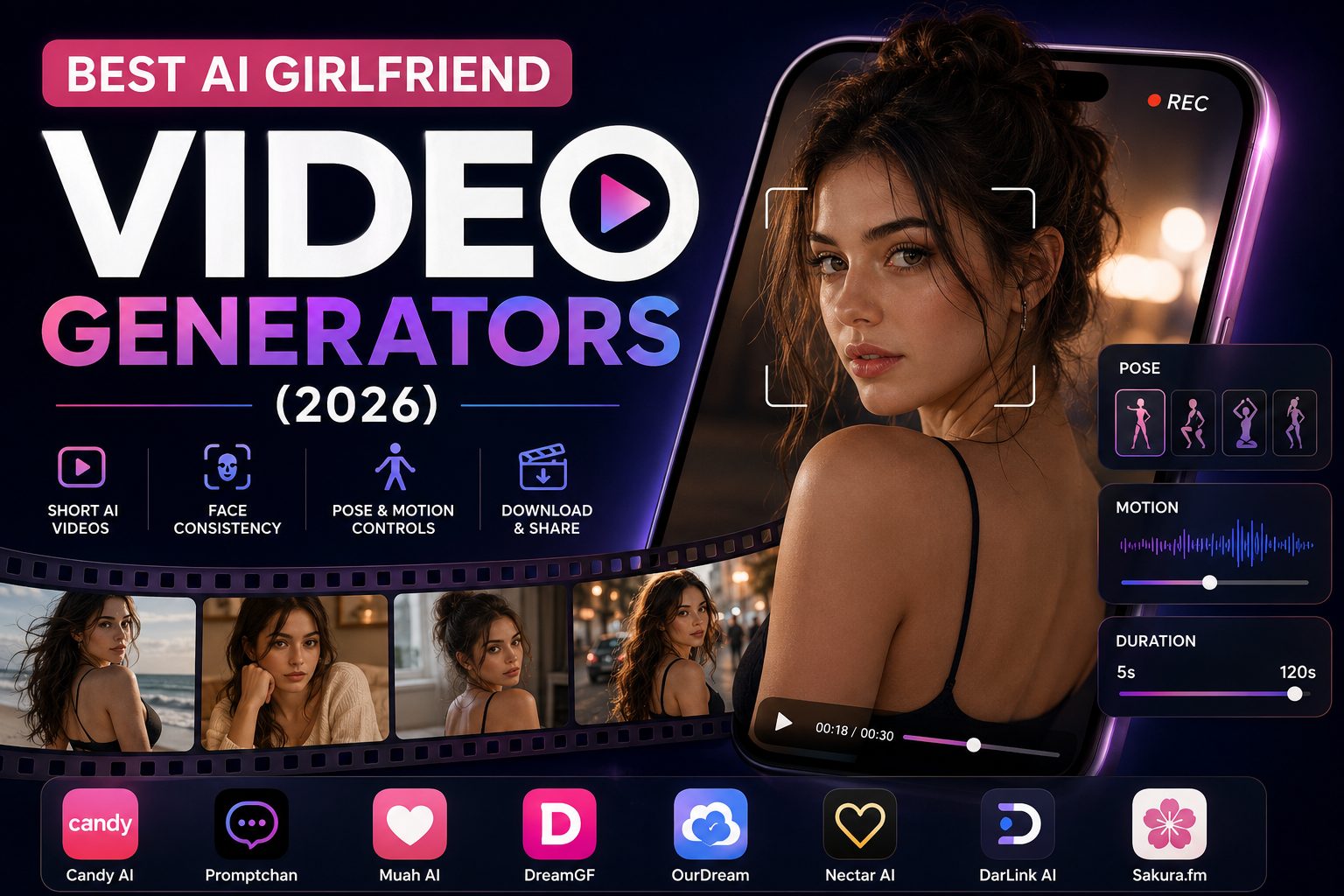
We went through each platform below, looking at three things: does video generation actually work in-app, does the face hold up across multiple clips, and what do the motion or pose controls look like when you open them. We are not covering anime art generators or still-image NSFW generators here, and this is not a text chat roundup. If those are what you want, we have separate pages for both. This is about the companion video specifically.
What to look for in an AI girlfriend video generator
A few things worth knowing before you read the entries. First, clip lengths across this entire category are short, typically 5 to 30 seconds. These are not full scenes; they are moments. Second, face consistency in video is harder than in stills. Most platforms that generate clean, consistent images start to drift when you animate them. Where that happens, we say so. Third, some platforms list video as a feature and mean it; others list it but do not have it working. We flag both. Video is only one modality, too — if hearing her voice matters more, our ai girlfriend call roundup covers that side.
Quick comparison
| App | Video Generation | Max Clip Length | Pose / Motion Controls | Face Consistency |
|---|---|---|---|---|
| Candy AI | ✅ Yes | Up to 120s (Live Action) | Preset poses (older mode); Live Action animated | Strong in stills, some motion glitches |
| Promptchan | ✅ Yes | Short, variable | Image-stage pose dropdowns, then animate | Strong via image-to-video |
| Muah AI | ❌ Broken in testing | 15/day listed, non-functional | None observed | N/A |
| DreamGF | ⚠️ Paywalled, untested | Short | Not visible pre-paywall | Strong in stills |
| OurDream | ✅ Yes | 5–30 seconds | Prompt-based; image-to-video recommended | Better via image-to-video |
| Nectar AI | ✅ Yes (short) | Short clips | Standalone prompt-based generator | Strong in stills, clips less refined |
| DarLink AI | ✅ Yes | Short, downloadable | Standalone prompt-based generator | Solid |
| GirlfriendGPT | ✅ Yes | 10 seconds (Pro Model) | Model + duration picker (Lite/Pro) | Good via Character Pro |
1. Candy AI
Candy AI is the most talked-about platform in this category, and after the February 2026 Live Action update, it has the most ambitious video feature we tested. Live Action mode generates animated clips of your companion up to 120 seconds long, with the character moving, gesturing, and reacting. The first time we saw a custom character we had built move naturally in a full clip, it was a genuine moment. No other platform in this list comes close to clip length.
The older video panel, which predates Live Action, shows five preset pose categories: Random, Smiling, Posing, Caress, and Turning, with a Spicy toggle and a cost of 12 tokens per 5-second clip. That interface is still accessible. Live Action is the newer system and is what most people are using now.
The honest caveat on video quality: motion can feel slightly stiff or robotic at points, and Candy AI itself notes that the Live Action engine received a major upgrade in February 2026, implying earlier output was rougher. Minor visual glitches do appear, characters moving awkwardly in ways that pull you out of the moment. It is genuinely impressive overall, but it is not seamless. Live Action also costs 15 to 20 tokens per minute, so a 60-second clip burns through a meaningful share of your monthly 100-token Premium allocation in one go.
Face consistency in stills is Candy AI's strongest differentiator. The V2 image engine keeps the same character looking like herself across hundreds of generations. That consistency does not transfer perfectly into motion, but the baseline is stronger than most.
Best for: Users who want the longest clip length in the category and a companion platform with serious visual investment. The Live Action feature is a clear step ahead of everything else here on ambition.
Watch out for: The token math. Heavy Live Action use pushes real monthly spend well above the base subscription price.
2. Promptchan
Promptchan's video generation works through an Animate button that appears on any generated image. You tap it, the image loads as the source frame in a Video tab, and the cost shows at 28 Gems per clip. We used a beach image we had generated as the source. The clip came back with hair moving, a subtle expression shift, and the background doing something that looked like actual motion rather than a looping still. The character looked recognizably the same in the video as in the image we had started from.
That image-to-video approach is meaningful. By anchoring generation to a specific still, Promptchan sidesteps some of the face drift that plagues text-based video prompts on other platforms. The reference face pin feature in the image generator lets you lock a character's face across stills, and that same face carries into the animated clip. It is one of the cleaner solutions to the consistency problem in this category.
Motion controls at the video stage are minimal. You are working with the source image and the cost display; the motion itself is determined by the model. Control sits at the image generation stage before you animate, where pose, filter, and emotion dropdowns let you set up what you want to see moving. Plan your image with that in mind.
At 28 Gems per clip versus 4 for a still, video is expensive relative to images. Pro at $26.99 per month is the only tier that includes video access.
Best for: Users who want the most reliable face-to-video consistency in the category. The image-first approach produces more recognizable results than platforms that go straight to text-to-video.
3. Muah AI
Muah AI lists video generation as a feature. The Video Gallery is accessible from the chat interface, shows a counter of 0 of 15 daily generations used, and the intended workflow is to generate a photo first and then tap the Generate Video button on that image. In our testing session, that button was not findable anywhere on the screen. The gallery opened, the counter was there, the generated images were there, and tapping them produced nothing.
We cannot review what we could not get to work. The platform is in active beta, which provides some context, but it does not change the practical reality for someone paying a subscription expecting functional video. If video is why you are looking at Muah AI, that is a real risk right now.
What works on this platform is worth knowing: image generation is included in the subscription without a separate token charge, voice calls are real and unique in this category, and the explicit writing quality is among the strongest we have tested. If those are your priorities and you can treat video as a feature to revisit once the beta matures, Muah AI is genuinely interesting. For a video-focused use case specifically, it is not there yet.
Best for: Users who want real-time voice calls and strong, explicit writing, and are willing to wait on video.
4. DreamGF
DreamGF puts its clearest effort into images. Still-image generation on this platform is sharp and detailed, and the physical customization at the build stage is the most granular in the category: ethnicity, age range, body type, hair color, tattoos, clothing style, and around thirty environment options. The Dream Girl Builder lets you design exactly how she looks before generating anything.
Video exists in each character's gallery tab. It requires a paid subscription to access, and our testing session hit the free tier message cap before we could generate any video. We cannot give you a firsthand account of clip quality, motion behavior, or face consistency in video mode. Based on supplementary research, clips are short and sit in the character gallery rather than being generated inside the chat thread, which is a different workflow from most platforms here. No pose controls were visible at the video generation stage before the paywall.
The stills are strong, and the face holds well across multiple still images when you have set up your character carefully at the builder stage. Whether that consistency carries into video is something we could not confirm directly.
Best for: Users who prioritize image quality and granular physical customization, and who are willing to subscribe before testing video output.
5. OurDream
OurDream is one of the few platforms where video runs fully inside the chat interface with no external tool. Clips go from 5 to 30 seconds, which is the widest duration range in this category. Cost scales with length: a 5-second clip runs 100 DreamCoins, a 30-second clip runs 300. Render time is roughly 20 seconds regardless of duration. The platform has also added lip synchronization to video output, which is approximate rather than precise but meaningfully above silent animation.
We generated a 5-second clip at Balanced quality. Character movement looked natural for the first three seconds and then started to drift slightly. The motion was not seamless, but the clip did not loop unnaturally either. Balanced quality at 5 seconds produces something usable. Whether you would want to burn 300 coins on a 30-second Ultra clip without testing a shorter version first is a question worth thinking about.
Face consistency depends heavily on which route you take. Starting from a generated still and using image-to-video maintains a strong resemblance to the source material. Pure text-to-video generates more unpredictably, with facial features and proportions sometimes shifting between clips. If you want the same character across multiple videos, generate your image first and animate from that.
With 1,000 coins at roughly $10, a session of five 5-second clips costs 500 coins before you account for any images. The coin budget goes faster on video than most users expect.
Best for: Users who want longer clip options and the ability to request video mid-conversation without leaving the chat window.
6. Nectar AI
Nectar AI has video generation on its Ultimate tier. The standalone video generator sits on the same creation page as the image generator, with a Video tab next to the Image tab. You write a prompt describing the character and action, and the Nectar Video Model produces a short clip. In our session, the output showed the character shifting weight and turning toward the camera, and the face matched the still images we had generated of the same character.
That face-to-video match is the meaningful thing. We had generated several images of this character during testing, and the clip looked like the same person. That level of visual continuity is genuinely not standard in this category.
The honest caveat: multiple independent reviews in 2026 note that Nectar's video output is short-form only and not as polished as Candy AI's Live Action mode. One review described it as clips that feel closer to pre-made short animations than full AI generation. Our experience was more positive than that, but the gap with Candy AI on clip ambition and length is real. Nectar's clips are brief. They hold the face well. The motion is clean but modest.
In-chat video is locked to the Ultimate tier. The standalone video generator does not have that restriction. If you are on a lower plan and want to test video, the standalone route is how to do it.
Best for: Users who want face-consistent short clips alongside a deep companion builder and strong image generation, and who can work within the shorter clip format.
7. DarLink AI
DarLink AI handles video through a standalone generator alongside image generation, with a Video tab in the same interface. The clip we reviewed was a short portrait of a realistic female character in warm indoor lighting with subtle facial movement and a clean render. No obvious artifacts. Hair, general appearance, and lighting style matched the stills we had generated of the same character. It was brief, as every platform in this category is, but it was an actual video with character motion rather than a still image with a play button sitting on top of it.
Generated videos save to your profile with download, private, or delete options. The download option matters if you want to keep clips between sessions, and it is not something every platform makes clearly available.
The five-step companion builder is the most approachable in the category: appearance, personality, voice, relationship dynamic, and occupation through clickable preset tiles rather than blank text boxes. You are choosing from what you can see rather than diving into a field and hoping. The custom character we built read built-to-spec from the first message and held across the full session.
The dual payment structure, subscription for chat, and a separate token balance for media mean heavy video users will feel the token balance running out faster than expected. There is no second paywall for video once you are on a paid plan, but the token side of the economy needs its own budget.
Best for: Users who want downloadable clips with solid face consistency and the most beginner-friendly builder in the category.
8. GirlfriendGPT
Video generation on GirlfriendGPT is real, priced clearly, and gated behind a modal that shows you exactly what you are spending before you commit. The pricing modal lists every model and duration option: 30 coins for a 5-second Lite Model clip, 60 coins for a 10-second Pro Model clip. That upfront transparency is more than most platforms in this category bother with.
We tested the Pro Model at 10 seconds. Clip length puts it ahead of most platforms in the category, which cap at 5 seconds. The face in the video matched the Character Pro images we had generated in the same session reasonably well, better than the standard image model would have managed. Character Pro, which costs 8 coins per still versus 5 for standard, is specifically designed to hold likeness across multiple generations, and that consistency does carry into the animated output to a degree.
The honest caveat on coin economics: a session with a few Character Pro images and one Pro video clip can burn through most of a 300-coin pack at $10. The math pushes you hard toward the 2,000-coin lifetime pack at $50, which is the only tier where regular video use makes financial sense without constantly watching the balance.
One design issue specific to video users: the in-chat NSFW shortcut menu, which surfaces explicit pose and act options, is permanently visible in the toolbar regardless of where you are in a session. It sits right there mid-scene. For users who are building up to a clip through a longer written exchange, that ambient shortcut panel breaks the moment consistently.
Best for: Users who want transparent video pricing, a 10-second clip option, and the most detailed per-session image and video settings in the category.
Watch out for: The coin drain on video is fast at the entry tier. Budget for the $50 lifetime pack if video is why you are here.
FAQ
Which platforms produced working video in our testing? Candy AI, Promptchan, OurDream, DarLink AI, and GirlfriendGPT all produced working videos in our sessions. Nectar AI produced a video through the standalone generator with face-consistent results. DreamGF has a video in the gallery, but it sits behind a paywall we did not reach. Muah AI has the architecture, but the Generate Video button was non-functional in our testing session.
Which platform keeps the face most consistent across clips? Candy AI is the strongest on still-to-still consistency through its V2 image engine, though motion introduces some drift. Promptchan's image-to-video approach keeps the animated character close to the source still. Nectar AI held face consistency well in our video test. DarLink AI was solid. OurDream is noticeably better when using image-to-video rather than text-to-video.
What is the longest clip I can actually generate? Candy AI's Live Action mode goes up to 120 seconds, which is by far the longest in this category. OurDream goes up to 30 seconds. Most other platforms cap at short clips in the 5 to 10-second range.
Which platform has visible pose controls before generating? Candy AI's older video panel has five named preset pose categories. Promptchan controls pose at the image generation stage through dropdowns before you animate. OurDream and Nectar AI use prompt-based control with no preset picker. DarLink AI uses the standalone generator with a free-text prompt interface.
Do any of these let me try the video before paying? Candy AI gives you free tokens at signup that can go toward video generation. OurDream gives signup coins that technically cover a short clip. Most platforms with reliable video place it behind a paid tier, and the ones that offer free access to video have low enough starting balances that you will hit the limit quickly.
The verdict
After testing every AI girlfriend video generator we could get into, the category is real but still early. Clips are short, face drift is the recurring weak spot, and a few platforms list video they cannot actually deliver yet. Candy AI is our pick — Live Action clips up to 120 seconds put it a clear step ahead on ambition, and its V2 image engine holds a face better than anything else here. Promptchan and OurDream are the strongest runners-up if you want image-to-video consistency on a smaller budget. And if you would rather test the waters before paying, our ai girlfriend free chat is a no-signup place to start.