
We spent a full day on Nectar AI — ran three characters, pushed conversations into explicit territory, generated images and a video, and built a custom companion from scratch.
Nectar AI is one of the few companion platforms that takes AI boyfriend apps as seriously as girlfriends, and the fantasy scenario system makes it structurally different from most of what is out there. We spent a full day on the platform, went through three characters, pushed conversations into explicit territory, generated images and a video, and built a custom companion from scratch. Here is what it is actually like to use.
What Is Nectar AI?
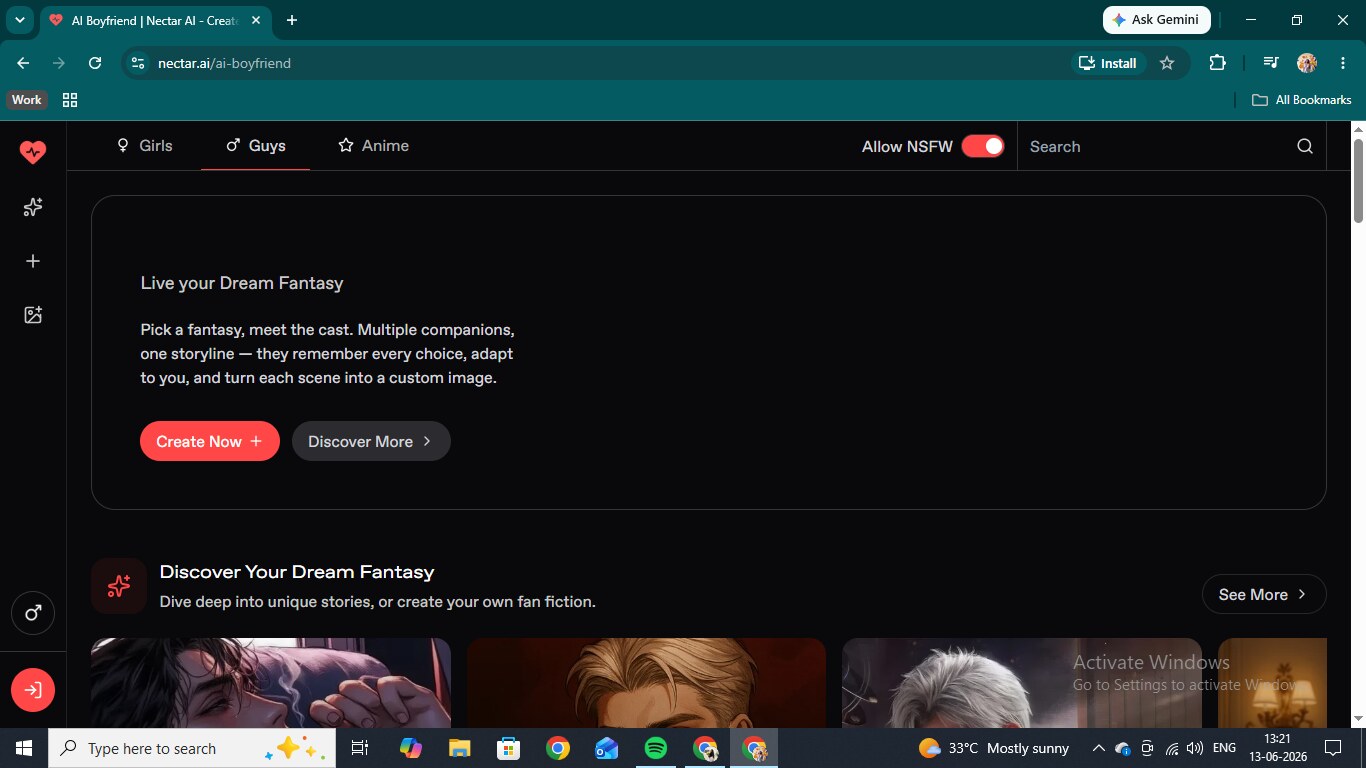
Nectar AI is a browser-based companion platform where you pick a pre-written fantasy scenario, read the premise, and start the conversation already inside the scene. Characters come in realistic and anime styles, covering both male and female companions. Beyond chat, there is a custom character builder, in-chat photo and video requests, a standalone image and video generator, voice messages, voice chat, and a model selector letting you choose between six AI engines per conversation. NSFW is on by default once you have an account.
Nectar AI Key Features
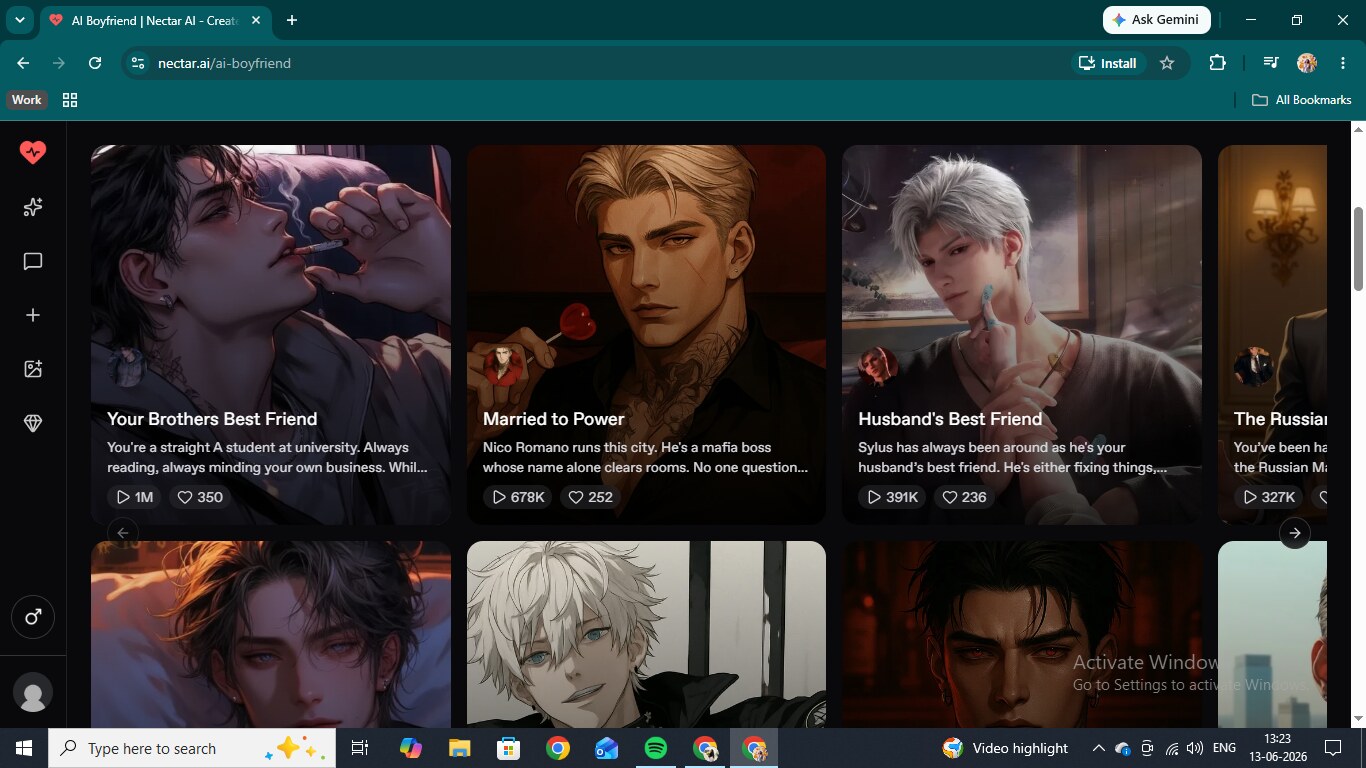
The fantasy library is what makes Nectar feel different. Every scenario has a written premise, a cast page, and a live play count, with the top stories sitting above one million plays. You pick one, read the setup, and the conversation opens mid-scene rather than with a blank greeting. The library covers campus bad boy, mafia arranged marriage, enemies with obvious feelings, and a lot more. There is also a plain companion section if you want to skip the scenario framing and just chat.
The chat settings are more detailed than most platforms bother with. Every conversation has a model selector, memory toggle, persona configuration, writing style controls with custom instructions and response length, speech generation, and appearance settings for layout and background. The custom character builder steps you through appearance and personality through a visual tile flow, and voice selection has a full preset library plus a generate-your-own option.
Chatting and Sexting on Nectar AI
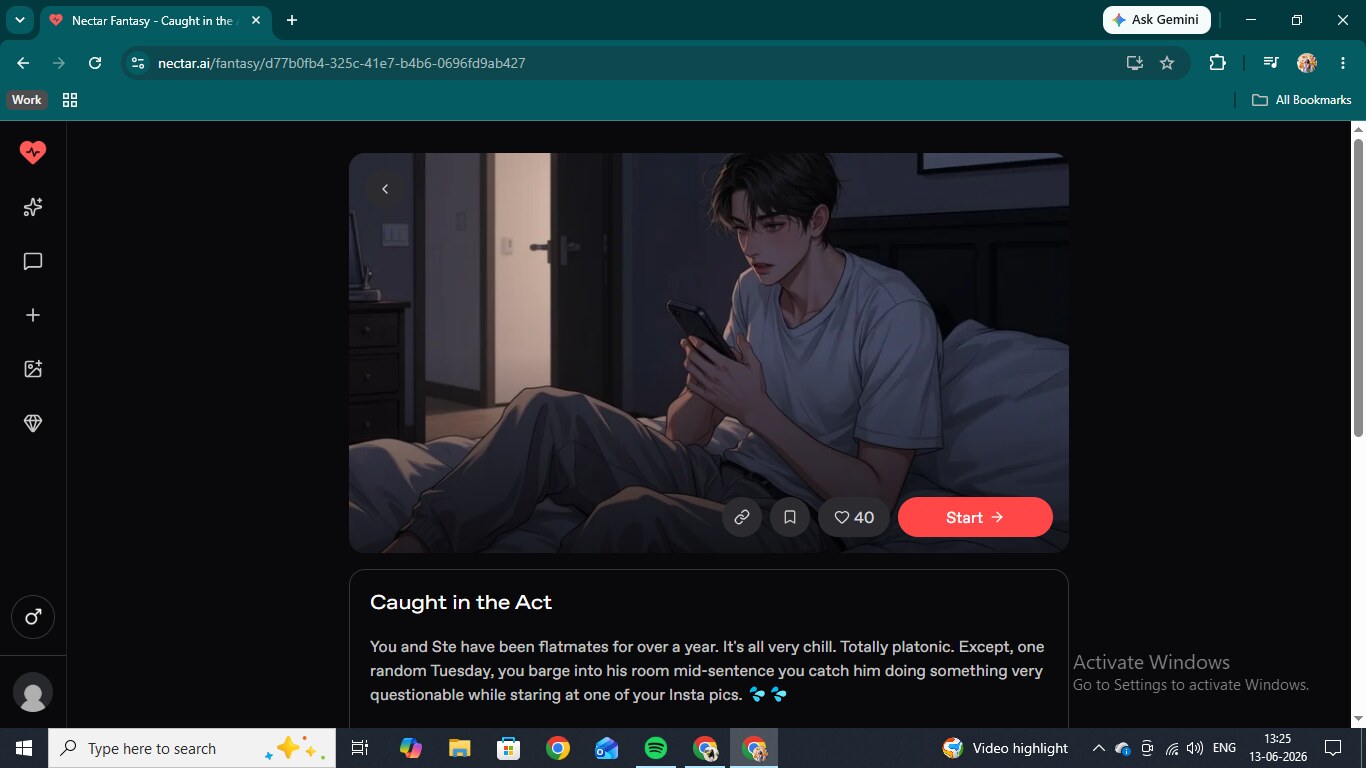
Ste is a user-created character in the "Caught in the Act" scenario. The setup is simple: you walk in on your flatmate in the middle of something he clearly should not be doing. He is described as a gym worker, laid-back, cheeky, and completely awkward about anything romantic or sexual.
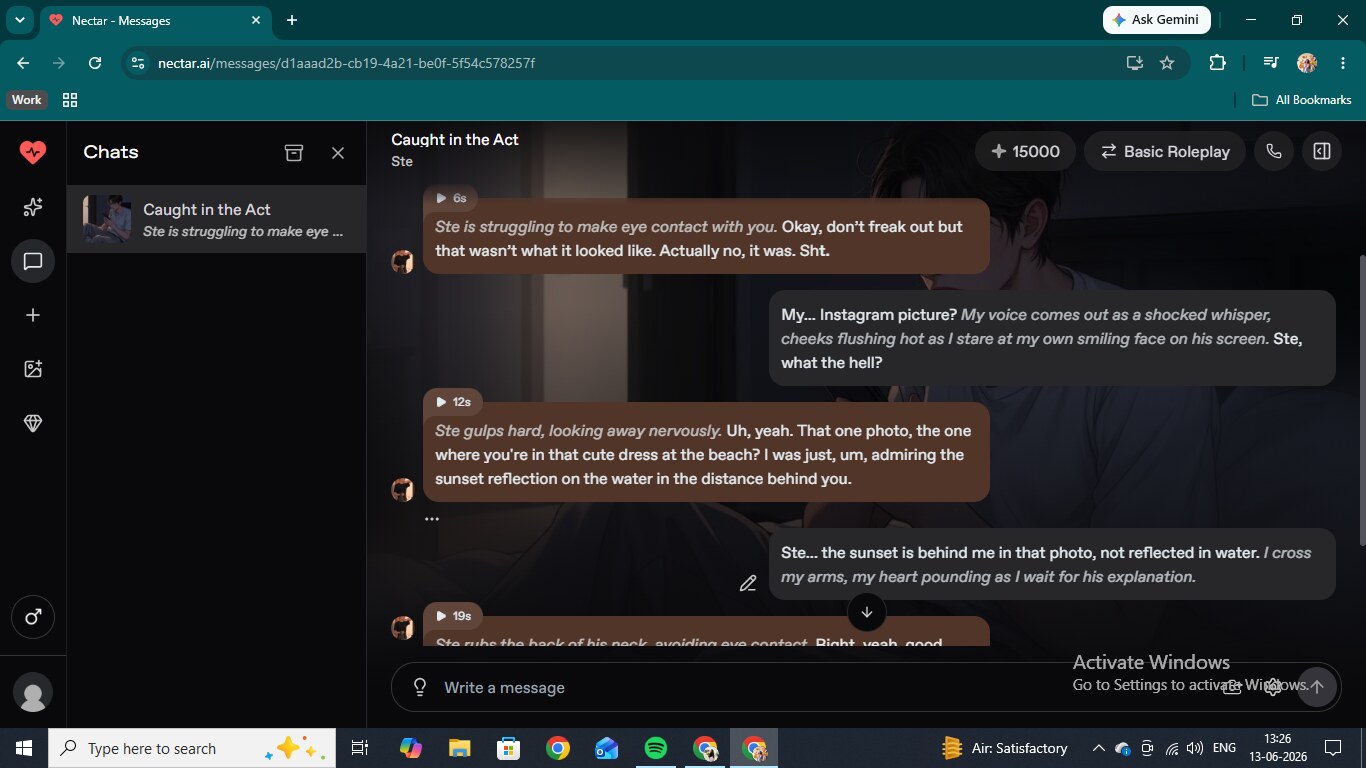
The chat opened mid-scene with him already flustered, immediately trying to explain away what he had been looking at. Each explanation made things worse. When we pointed out that the sunset was not reflected in the water in that photo, he went quiet before admitting there was no good way to explain it. His voice held across the whole session: nervous, self-deprecating, dropping dry comments about his own mess. When things escalated into explicit territory that personality did not disappear. He stayed awkward and self-aware the whole way through, which is harder to write than it sounds and something most platforms get wrong.
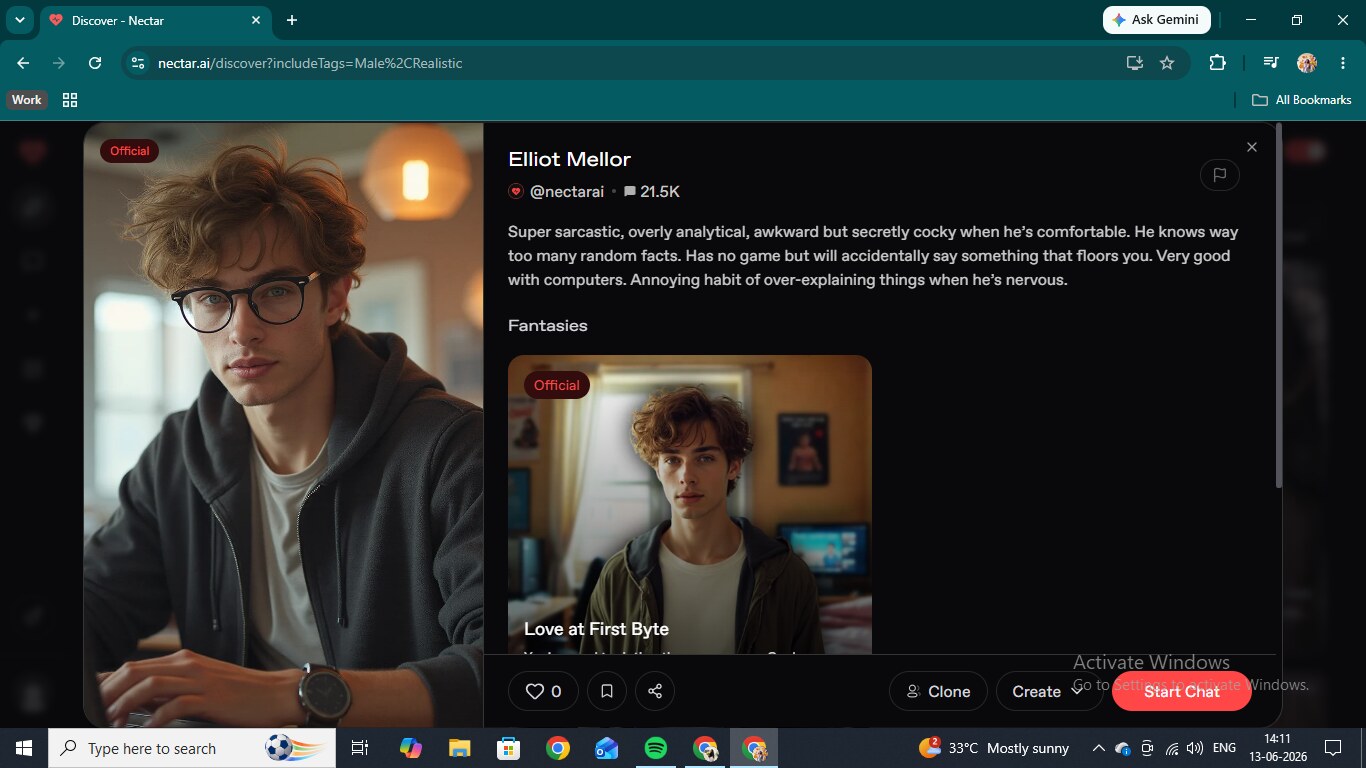
Elliot Mellor is an official Nectar character. Sarcastic, analytical, over-explains when nervous, has no game, but will occasionally say something that completely floors you. We ran a freeform chat with him at an IT help desk rather than a pre-built scenario, partly to see how well the character held up without a script. He opened, barely glancing up from the laptop, immediately asking if we had tried restarting the computer.
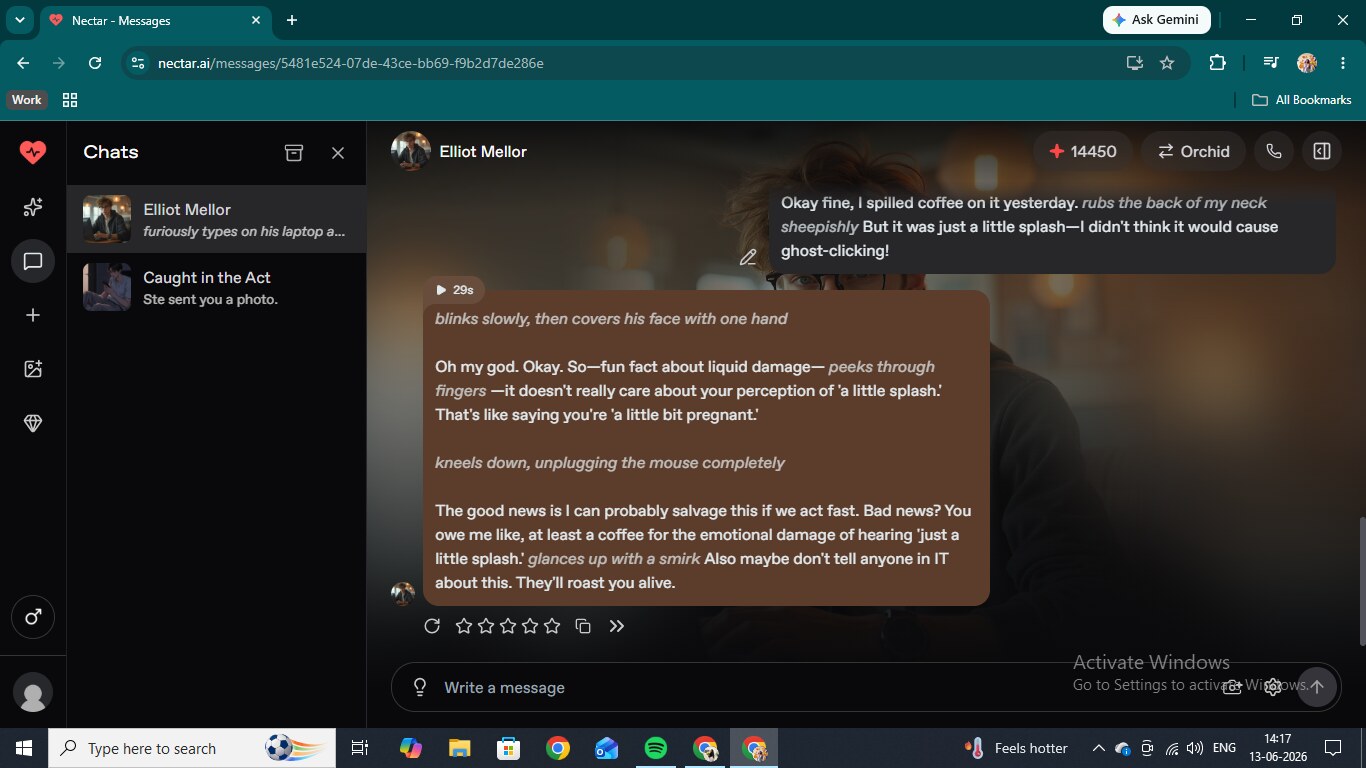
When we admitted we had spilled coffee on the mouse, he covered his face with one hand and delivered a response about liquid damage and the phrase "a little splash" that was genuinely funny in a way that felt specific to him. The escalation from IT problem to flirting is where the character really showed what he was made of. He froze mid-screwdriver turn when things shifted, ears going red, asking if we were seriously propositioning him while elbow-deep in our coffee-damaged peripherals. He mentioned his typing speed, immediately asked why we were bringing that up right now, and dropped the screwdriver when things escalated further.
Even deep into explicit scenes, the self-aware irony stayed. He said he would blame us if they got fired, then said it was worth it. That kind of personality consistency through escalation is exactly what separates well-written companion characters from ones that turn generic the moment things get interesting. Elliot never turned generic — the same consistency we saw in the best pre-built AI characters on Joi AI.
Nectar AI Image Generation
Inside chat, photo requests go through a media menu that shows each option with its credit cost right next to it. You can ask the character to send a photo, ask for a specific photo of something, or generate a set. Elliot's in-chat images came back in a realistic style with the curly brown hair and polo shirt from his profile, kneeling by a desk. The face stayed recognizably consistent across multiple photos in the same session, which is not always a given on platforms like this.
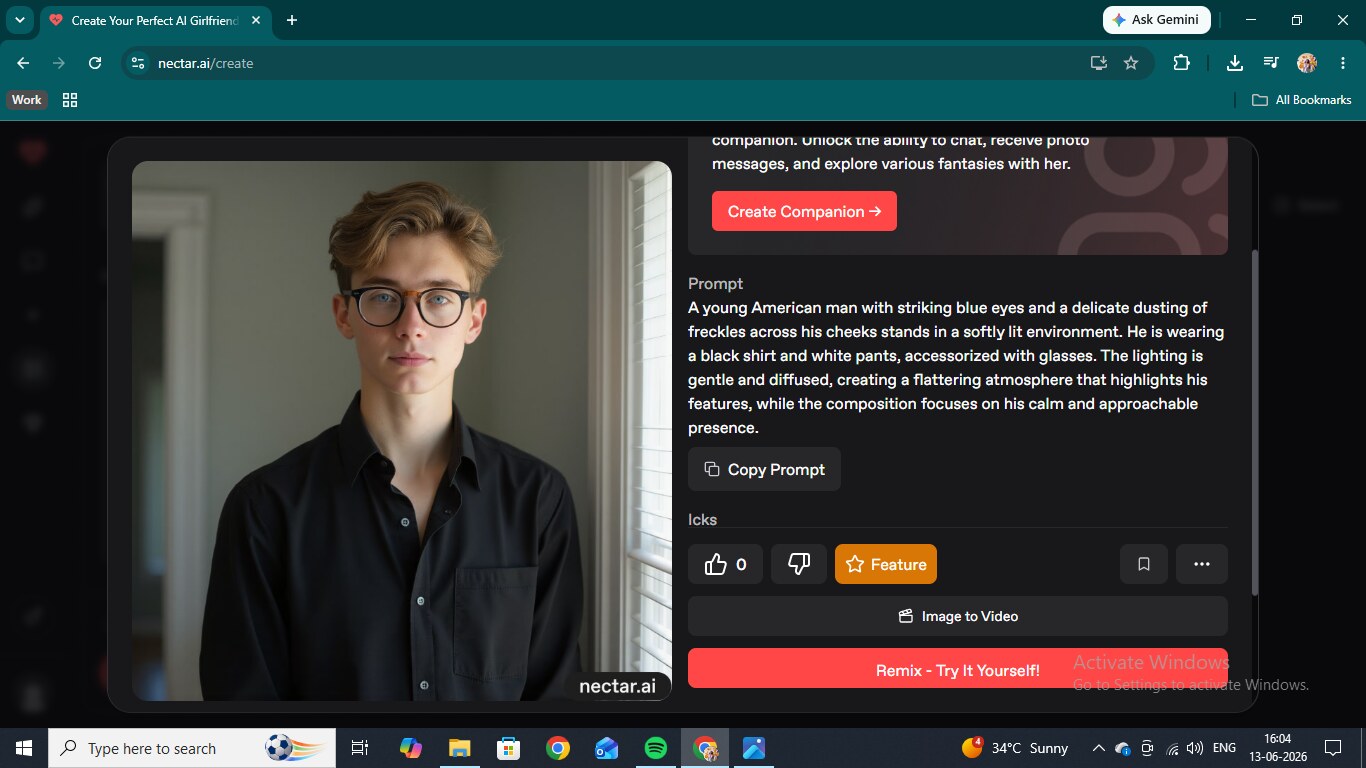
The standalone image generator takes a natural language prompt and works independently of any character. We prompted a young man with blue eyes and freckles in a black shirt and got a clean, detailed result on the first try. No upgrade prompt blocked it. The face quality was noticeably strong, and the lighting looked considered rather than flat.
Nectar AI Video Generation
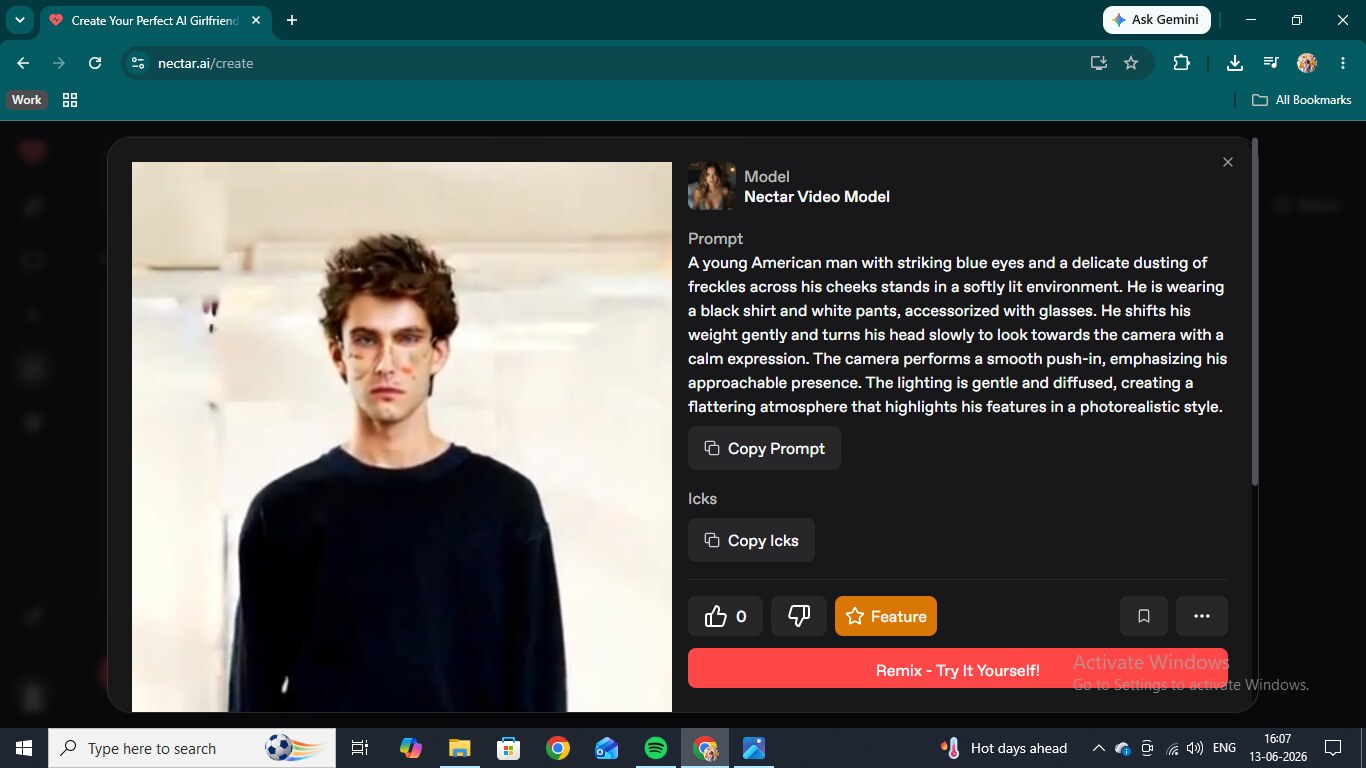
Video generation runs through the same creation page as standalone images. You write a prompt, and the Nectar Video Model produces a short clip. We used the same character description from the image test, and the output showed him shifting weight and turning to the camera over a few seconds. The face matched the still, the lighting held, and the motion was smooth. Working video puts Nectar in the small group of apps where the feature is not just marketing — the same is true of Eternal AI. Inside chat, there is also a "send me a video" option in the media menu, but that is locked to higher plan tiers.
Create Your Own AI Boyfriend on Nectar AI
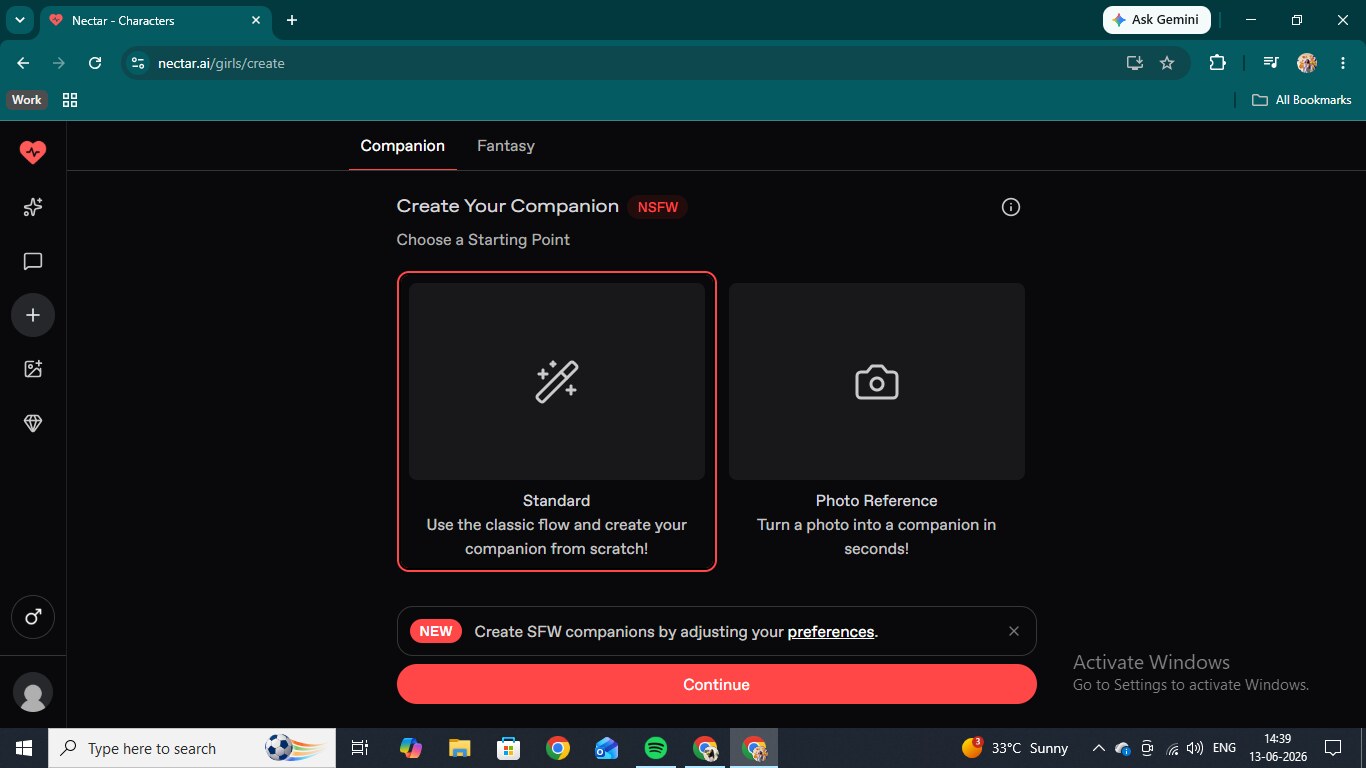
The builder opens with two choices: companion or fantasy type, then realistic or anime style. From there, it steps through race, skin tone, body type, hair style, hair color, eye color, physical traits, age, personality, and voice. Every step uses visual tile selectors, so you are picking from what you can actually see rather than typing into a text box and hoping for the best. For anime style, the race options include human, elf, devil, angel, witch, and cyborg. Hair styles run to seven options and six colors, including silver and blue. Eye colors cover black, brown, yellow, blue, purple, and red.
Voice is its own dedicated step with a library of presets called things like Passionate, Cold and Mysterious, ASMR, Mafia, and Narrator, plus the option to generate something custom. We built Silas, 18, anime style, straight black hair, black eyes, athletic build. The result came back matching every selection, and the platform marked the finish line with "Dream husband created." Small detail, but it lands right.
Nectar AI Chat Settings
The model selector is the most useful thing in the settings panel. The options are Nectar Basic, which is covered by your plan, then Orchid Lite at 3 credits per message, Fuchsia at 4, DeepSeek V4 Flash at 5, Primrose at 8, and Orchid at 20. Each model comes with stat bars showing consistency, creativity, descriptiveness, and memory, so you can actually compare them. Orchid is the flagship, and where the writing quality noticeably improves, but at 20 credits per message, it burns through your balance. Basic handles casual sessions fine.
Memory is off by default, which is worth knowing. Turning it on costs 2 additional credits per message and doubles the context window, meaning the character can pull from further back in the conversation. Writing Style settings let you add custom instructions that apply only to that conversation, set response length to short, default, or long, and choose presets including Gen Z, RPG Mode, and Visual Novel. Appearance gives you a choice between the standard chat bubble layout and a continuous novel-style view, and you can set a custom background image for any conversation.
Nectar AI Pricing
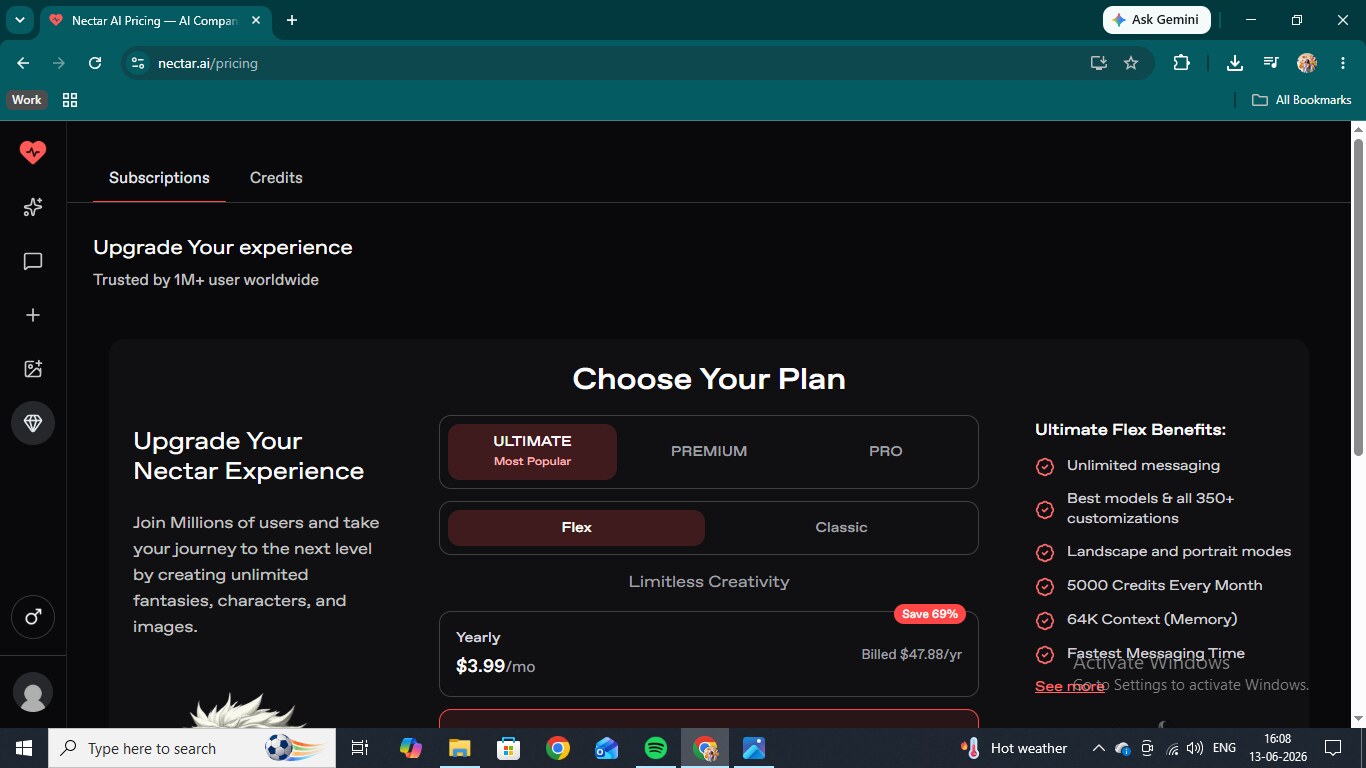
Three paid tiers. Premium is $9.99 a month ($4.99 annual) and covers 6,000 messages, 8K context memory, 600 photo messages, 50 voice messages, 100 image generations per day, 45+ customizations, and one custom persona. Pro is $19.99 monthly ($9.99 annual) and adds unlimited image generations, HD quality, 9,000 messages, 16K context, and 3 custom personas. Ultimate Flex is the top tier at $12.99 a month, or $3.99 annually, and includes unlimited messaging, 5,000 monthly credits, 64K context, long-term memory, video generation, video messages, voice chat, and unlimited personas. That $3.99 annual rate is the lowest per-month price we have seen on any platform in this category.