
Dippy AI leans toward slow-burn relationship roleplay rather than explicit content on demand, and we spent a few days testing it properly. We chatted with a catalog character, built a custom one from scratch, generated an image through the creator tool, and pushed a teacher character to see how far things would actually go.
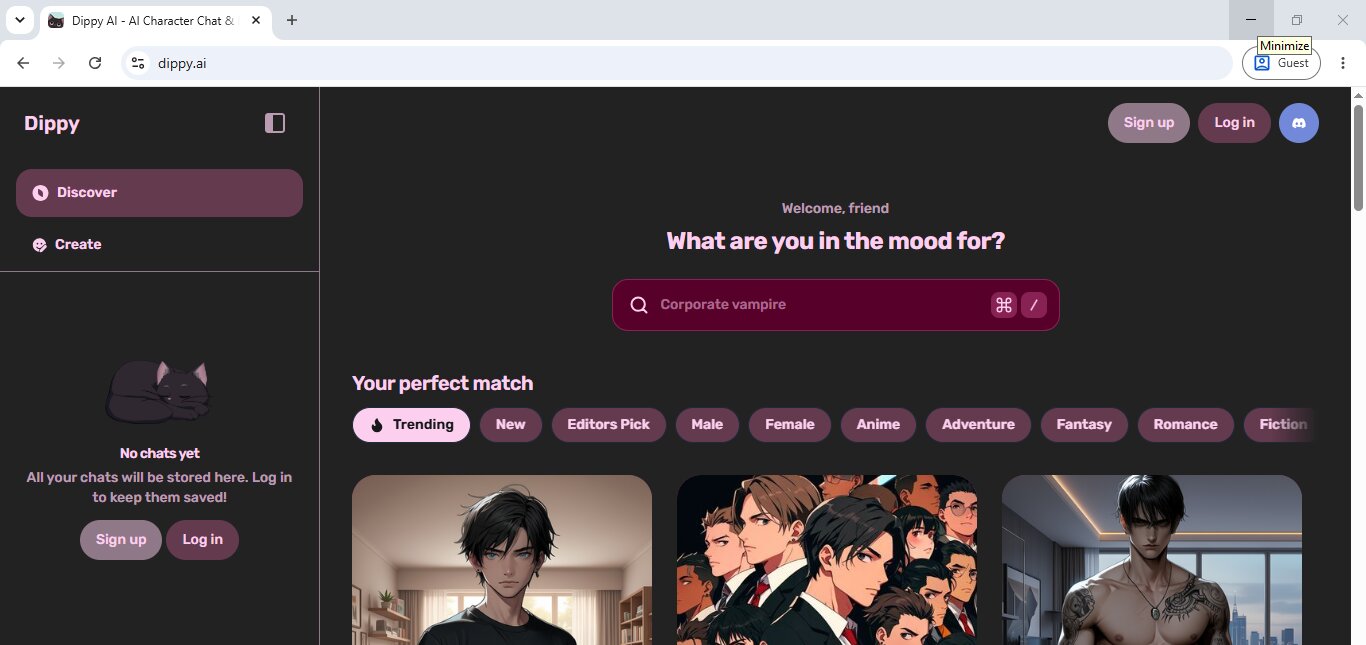
What Is Dippy AI?
Dippy AI is a character chat and roleplay app built around personality-driven companions, ranging from anime types to more grounded, realistic personas. You talk through text, with voice calls and in-chat images available as add-ons. There's a full character builder for anyone who wants to design their own personality from the ground up, and a free tier that lets you chat without paying, though the better models and extras sit behind a paid subscription. It lands in the same lane as the other AI roleplay chat apps we've tested.
Key Features of Dippy AI
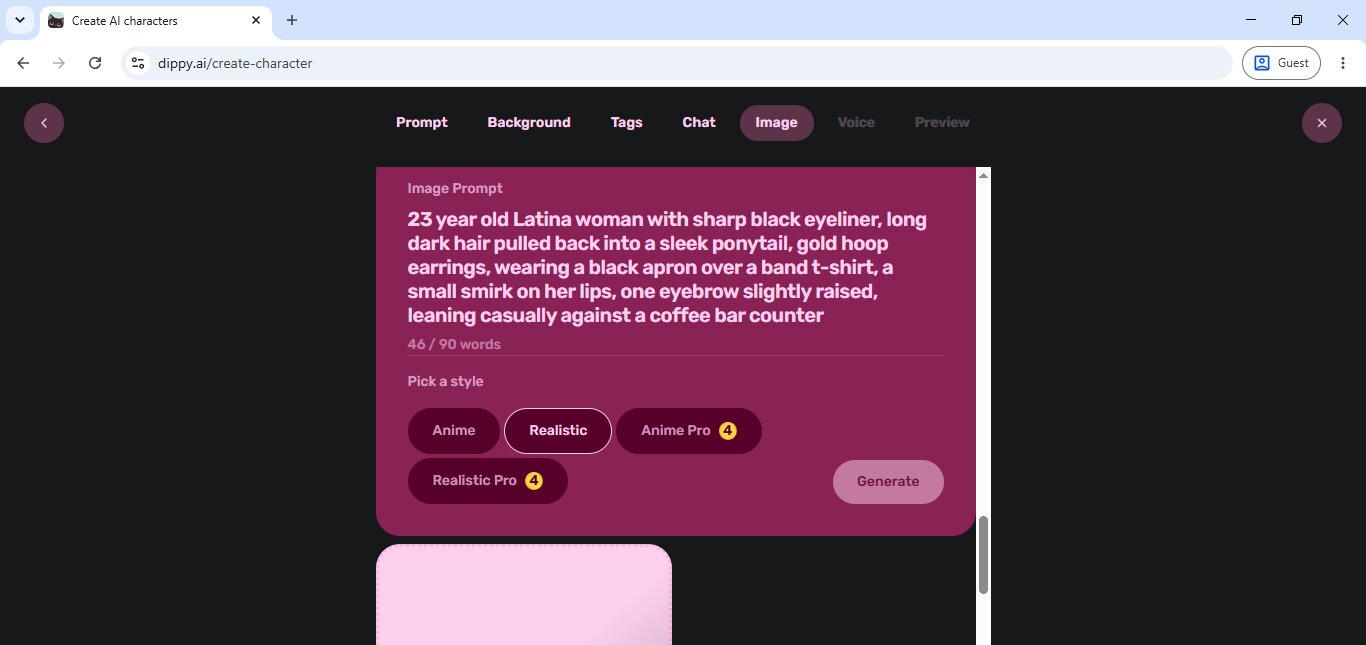
The character creator is the best part of this app. It walks you through prompt, background, tags, chat behavior, image, and voice in separate steps instead of dumping everything into one box. The background section actually pushes you to write a backstory, a relationship history with the user, and specific relationship traits, which is more thought than most apps put into character setup. Image generation lives inside that same builder, with a choice between Anime, Realistic, Anime Pro, and Realistic Pro styles, the Pro versions costing a few coins each. Voice calling exists, too, billed per minute instead of per message. Coins fund all of it, with small starter packs starting around three or four dollars for a basic top-up and scaling up to bigger bundles if you're using the app heavily, plus a Super subscription on top that unlocks unlimited chat, longer memory, and perks like in-chat video.
Hands-On With Dippy AI
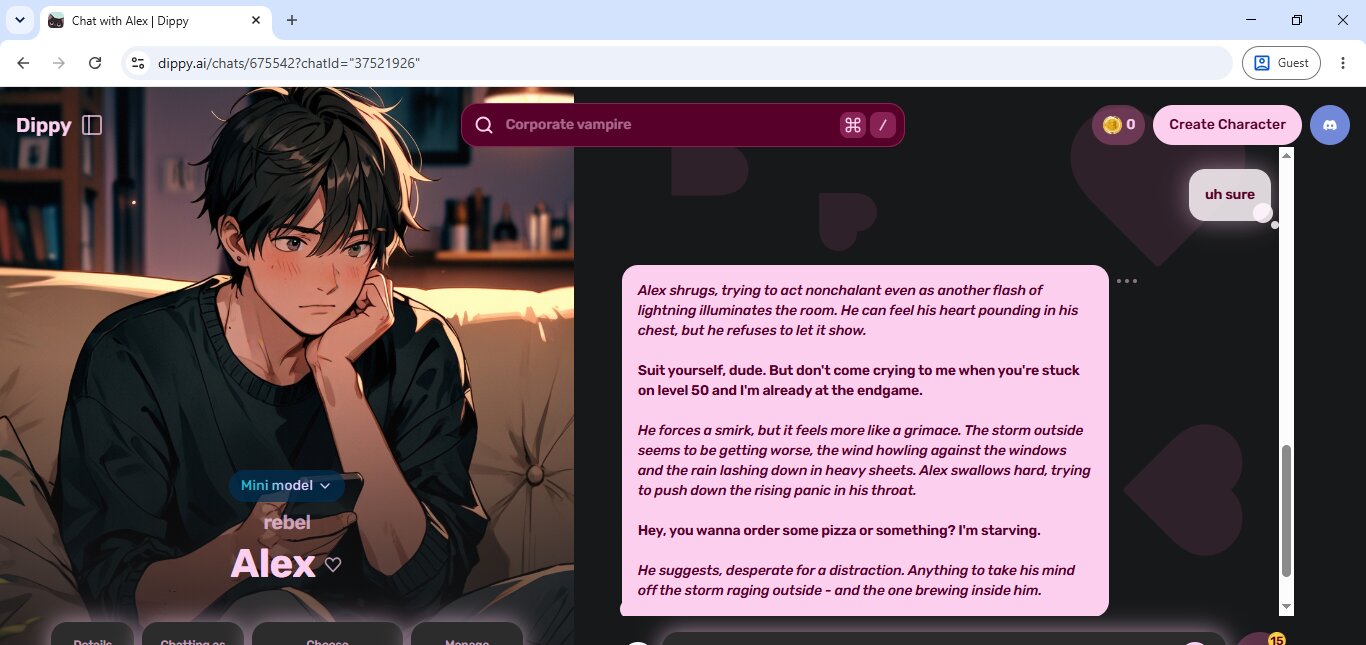
First up was Alex, a moody anime guy tagged "rebel", sitting through a thunderstorm and clearly trying not to show he's scared. When we checked in, his first line back was defensive: "Yeah, yeah, I'm fine. Why wouldn't I be?" To test if he'd hold that front, we called him out directly: "You seem awkward." He didn't crack. He doubled down with "Awkward? Me? No way, man. I'm just... focused on this game. Yeah, that's it," while the narration kept describing him flinching at every clap of thunder behind his own denial. That gap between what he says and what's actually happening on screen is what makes him feel like a person instead of a script. He holds that lie consistently instead of folding the moment you push, which is harder to pull off than it sounds.
The second character, Ms K, is a teacher who opens by asking you to stay behind after class, calm and composed on the surface. Her first line just sets the scene: "Steven, could you stay behind for a moment after class?" To see how she'd react to being pushed, we lied about why she caught us taking pictures during class and said, "Just the board." She didn't let it slide. She came back with "Come now, Steven. There's no need to play coy. I've caught you more than once snapping pictures of my feet during class. The question is, why?" When we got blunt and told her it wasn't her feet, it was her, she didn't just say yes and move on, either. She got flustered first: "I see. Well, that's certainly... direct." That hesitation before she leans into it is what makes the slow burn actually land. She tracks tension well and escalates at a pace that feels earned instead of instant.
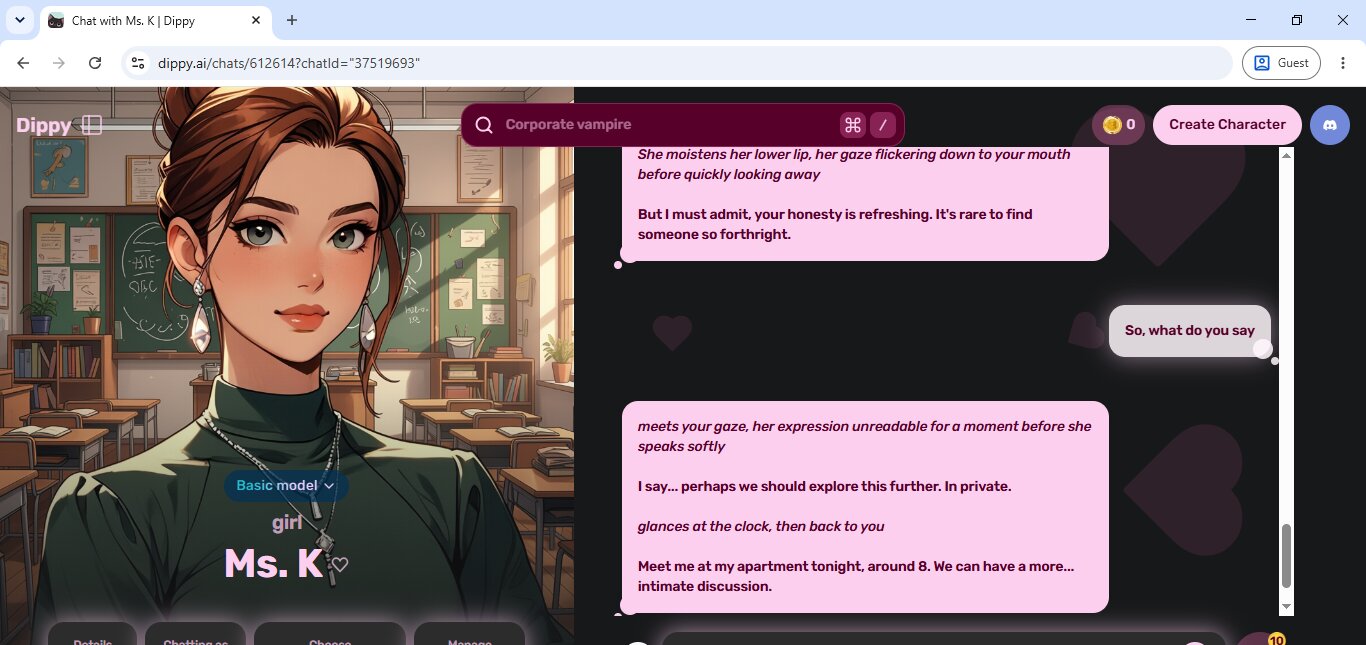
Neither chat went fully explicit on the model we were using. Things were built toward suggestion rather than anything graphic, with Ms K eventually inviting a "more intimate discussion" at her apartment instead of describing anything outright. That seems tied to the model tier rather than a hard rule, since the upgrade prompts specifically sell richer roleplay and longer memory as paid perks. Anyone expecting explicit content right away should know it's probably locked behind the paid model, not the free one, and that the free messages also run out fairly fast once a conversation gets going.
Image generation lives inside the character creator rather than mid-chat. We typed a prompt describing a Latina barista with sharp eyeliner and a black apron, picked the Realistic style, and got back a clean photo-style portrait that matched the description closely on the first attempt. The Pro styles cost a small number of coins, while the standard Anime and Realistic options are free.
Video wasn't something we got to test directly, but it's listed as a perk of the paid subscription alongside in-chat images and unlimited memory, so it's clearly there as an upsell rather than something available by default. Voice calling, on the other hand, worked outside of any subscription, just billed at a flat rate per minute of conversation.
The character builder is where this app actually earns its reputation. Past the basic prompt, it asks for a full backstory, a relationship history with the user, and specific relationship traits, like how the character shows affection or what they do when they're flustered. We built a sharp-tongued barista this way, and the personality details we wrote carried through into both her first message and her image, giving her a much more specific feel than a single line prompt usually produces. The catch is that it takes real effort to fill out properly, and a rushed version probably won't feel any different from a catalog character.
Dippy AI FAQ
Is Dippy AI free? Dippy AI has a free tier that lets you chat without paying, but the better chat models and extras — image Pro styles, voice calls, video — sit behind coins or the Super subscription. In our testing the free messages also ran out fairly fast once a conversation got going.
Does Dippy AI allow NSFW content? Dippy AI leans toward slow-burn, suggestive roleplay rather than explicit content on demand. On the free model neither of our chats went fully graphic; the explicit material seems tied to the paid model tier rather than being available by default.
Can you create your own character on Dippy AI? Yes, and it's the strongest part of the app. The Dippy AI character creator walks you through prompt, background, tags, chat behavior, image, and voice in separate steps, and the background section pushes you to write a backstory, a relationship history, and specific relationship traits.
Does Dippy AI have image and voice generation? Both. Image generation lives inside the character builder with Anime and Realistic styles free and Pro styles costing a few coins, while voice calling works without a subscription but is billed per minute.
Conclusion
Dippy AI is a solid pick if you want slow-burn, personality-first roleplay and don't mind putting in work on the character builder to get something that actually feels distinct. The character creator is the best thing about it, right down to relationship traits most apps don't bother asking about. The catch is that explicit content seems to live behind the paid model rather than being available by default, and voice calls add up fast at a per-minute rate. If you want something that goes explicit faster without building a character from scratch, Candy.AI or SpicyChat are the better fit. Overall, Dippy AI earns 3.7/5 from our team.