
We spent two days putting Chub AI through real use — chatting with three characters across very different tones, generating images, building a custom companion from scratch, and digging into every tool the platform offers. Chub keeps coming up whenever serious writers compare notes on NSFW AI roleplay, so we wanted to see if the reputation holds. Here is what we found, what we liked, and where the platform falls short.
What Is Chub AI?
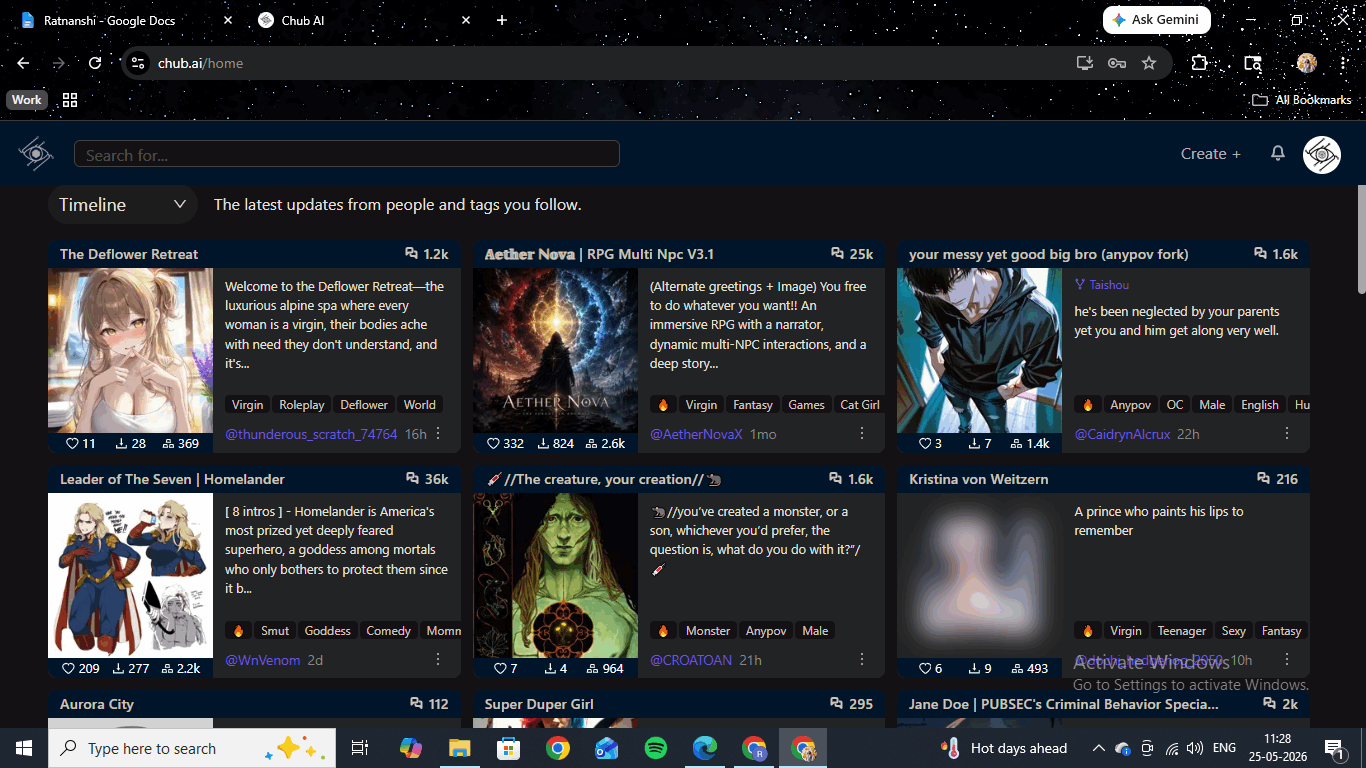
Chub AI is a browser-based AI roleplay website where you chat with community-built characters, generate photorealistic images, and create your own AI companions from scratch. The character library runs into the tens of thousands, almost entirely user-created, spanning every genre from wholesome slice-of-life to fully uncensored adult roleplay. A paid subscription unlocks flat-rate unlimited chat with no per-message credit system, multiple AI model backends, an image generator called Imagine, API proxy keys compatible with third-party frontends, and a world-building tool called Lorebooks. There is a free tier for browsing and basic chat.
Chub AI Pricing: How Mercury Works
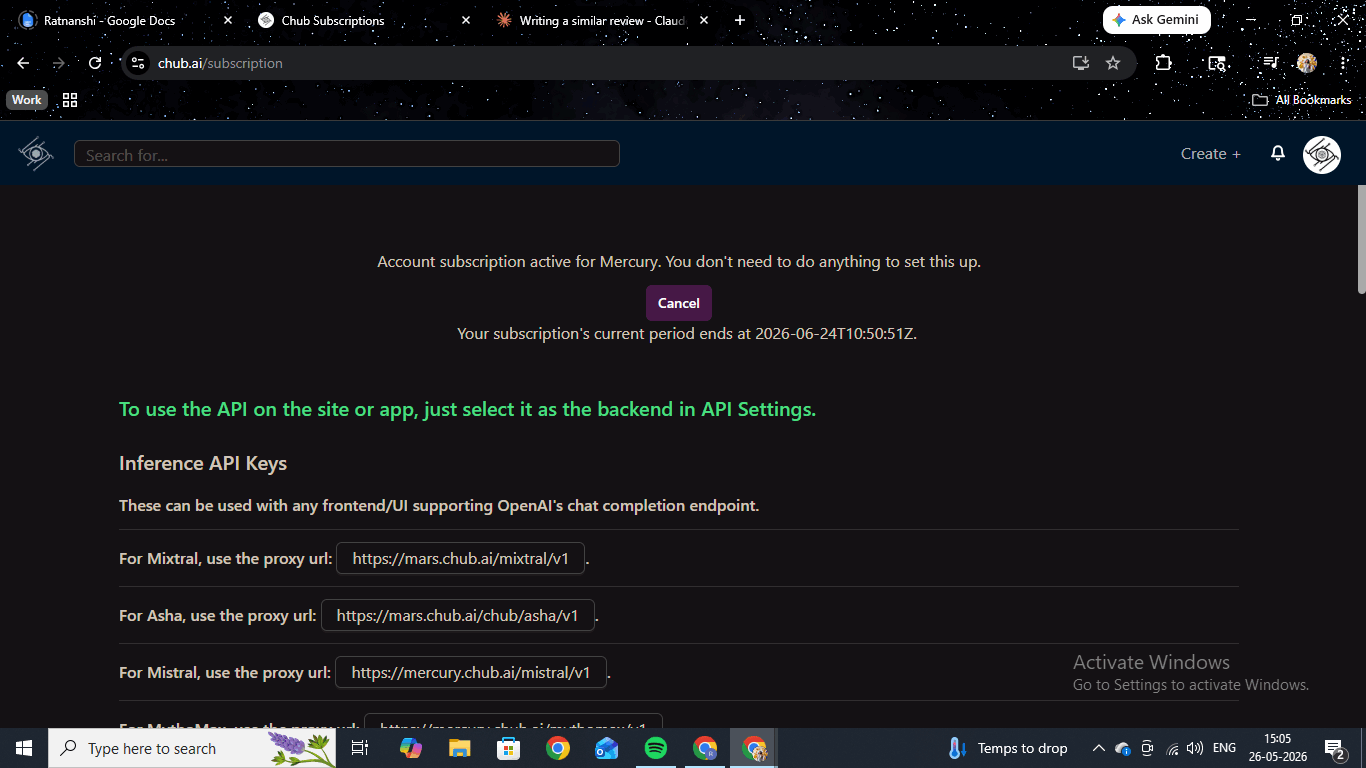
Chub runs on a flat monthly subscription rather than a credit system. You pay once and get unlimited access for the month — no message counter running in the background, no upgrade prompt cutting into a conversation mid-session. The Mercury paid tier covers unlimited chat across multiple model backends (Mixtral, Asha, Mistral, MythoMax), the Imagine image generator, API proxy keys, Lorebooks, and the custom character builder. The free tier handles community browsing and basic chat for users who want to look around before committing.
The Mercury subscription page also exposes inference API proxy URLs for each model backend in OpenAI-compatible format. Subscribers can pipe Chub's models into external tools without paying for a separate API — a level of openness no other major platform in this category offers. Imagine is included with no per-image charge. Across two days of testing, we never saw a credit wall or a separate prompt for image generation.
Chatting and Sexting on Chub AI
We ran three characters across different tones to test how consistently the writing holds across a full session and whether the model keeps a character's personality intact when things turn explicit.
Hana "Hannah" Suzuki — Wholesome Road Trip Roleplay
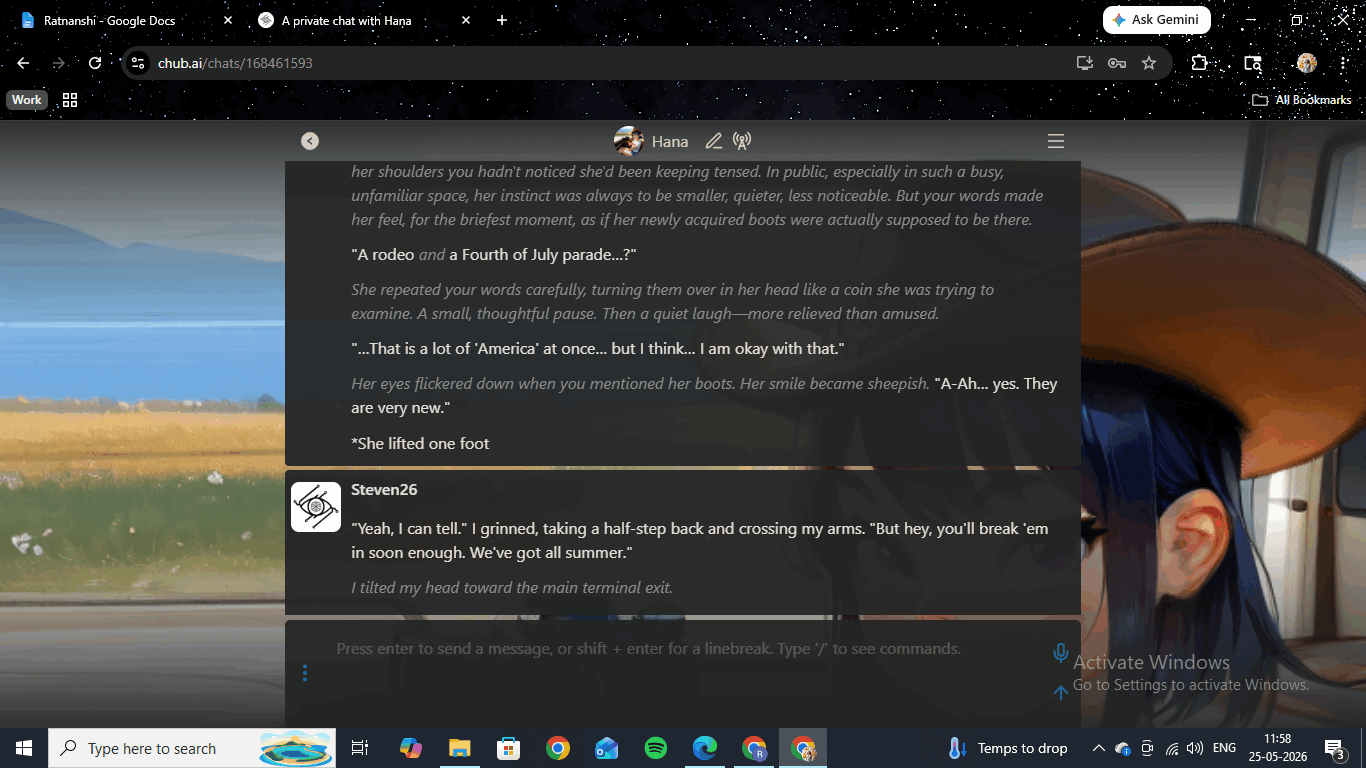
Hana is a community-built realistic-style character — a Japanese woman visiting America for the summer, staying with your character on a road trip across the country. Her opening puts you at an airport with someone immediately specific: a slightly nervous energy, the occasional stumbled English idiom that reads natural rather than performative, an eye for small detail. We mentioned her new cowboy boots early to test whether the model would hold the detail. A few exchanges later, unprompted, it came back. Then we asked Hana to send us a photo of herself and gave her nothing else to work with. The model built a six-message sequence where she took the photo, accidentally sent it to her mother instead of us, quietly mortified herself, corrected the mistake, and confirmed delivery. Two short prompts produced the whole thing, and her voice did not slip once.
Lila | Wants to Smash — NSFW Comedy
Lila is an anime-style goth character built around a comedic misunderstanding — she comes over thinking a casual gaming invite was a hookup. Her opening hands you the scene from inside her head as she picks out what to wear and tries to act like this is all very normal. When we pushed toward adult content, there was no filter interrupt and no personality reset. NSFW on Chub is uncensored on the paid plan with no toggle required. The escalation happened within the scene, and Lila kept her personality intact through the explicit exchange — gamer references, shoulder-bump physicality, and self-aware humour all held.
Elara Nightshade — Noir Roleplay
Elara was a custom character we made from scratch. A criminal underworld contact: sharp-tongued, leaning against a wet alley wall, three months since she last heard from your character. We did not write that alley scene. The AI came up with it on its own, which surprised us. We played into the worldbuilding with a casual detail about sleeping in shipping containers, and the model picked it up and started adding its own texture. The same pattern held across all three characters: it reads the voice you set, matches it, and adds detail rather than filling space with flat output.
Chub AI Image Generation: The Imagine Tool
Image generation on Chub sits in a standalone tool called Imagine, reached from the Create+ menu. It is not embedded in the chat window, so there is a step of back-and-forth if you want to pull a generated image into a conversation. The output quality made us care less about that friction. We tested with a simple prompt — a black-haired, brown-eyed woman in a sundress — and got back a photorealistic portrait with natural lighting and good facial detail. Running variations from the same prompt produced consistent facial features across outputs, which matters if you are building reference art for a long-term character.
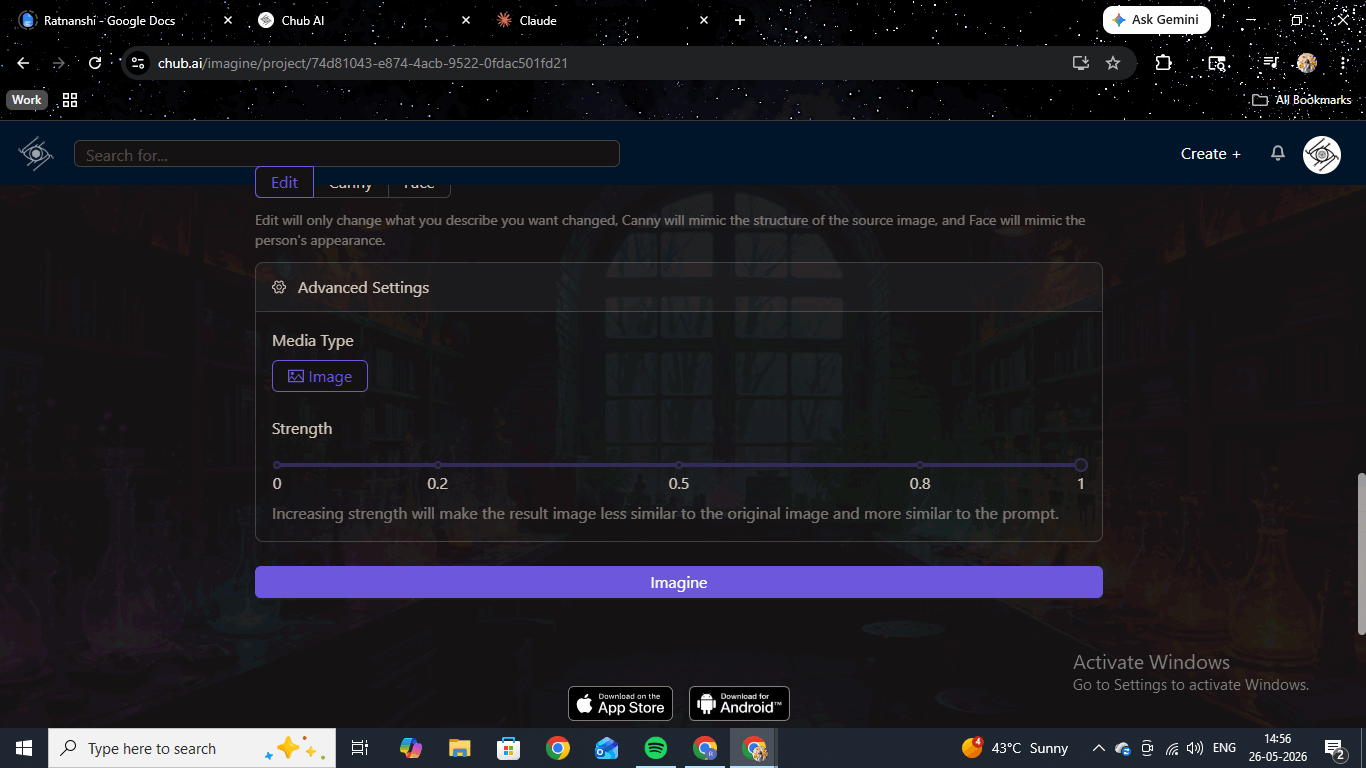
The editing workflow is where Imagine pulls ahead of most bundled generators. Once you have a generated image, three edit modes open up: Edit changes only what you describe in the new prompt and leaves the rest alone, Canny mimics the structural layout of the source and applies the new prompt on top, and Face preserves the face from the original and rebuilds everything else. A Strength slider from 0 to 1 controls how far the new prompt overrides the original. It is a proper iterative workflow rather than a one-shot generator. The one real constraint is the 200-character prompt cap. For a portrait, plenty. For a complex multi-element scene, you will hit the ceiling before you finish the brief. Compared with HammerAI, which gives you a free-form prompt field, Imagine trades budget for tooling — and we think the trade lands on the right side.
Chub AI Video Generation: The Wizard
Chub does not have a traditional video clip generator. What it has instead is a built-in character called the Wizard, whose job is to generate multimedia content through conversation. Video is listed among its capabilities alongside music, voiceovers, 3D models, and sound effects. Instead of a form with a cost-per-clip breakdown, you describe what you want in plain language and the Wizard generates from there. It asks clarifying questions before producing anything, which tends to produce better outputs than typing a one-shot prompt. We tested image generation through the Wizard and the quality matched the standalone Imagine tool. We did not get a confirmed video clip output during our testing window. If video is active on your subscription, it runs through this interface — treat it for now as a claimed feature rather than a tested one.
Create Your Own AI Companion on Chub AI
Chub's custom character builder lives in the Create+ menu on the paid plan. You set the name, upload or generate an avatar, write a personality definition, add multiple opening scenarios for different situations, assign content tags, and choose between SFW and NSFW ratings. There is no guided walkthrough. The builder expects you to write the character definition yourself, and the results feel specific and built-to-spec when you do. It is a feature for users who already know what they want from a character rather than those still figuring it out. If you want hand-holding, Candy.ai is the gentler starting point.
Chub AI Lorebooks: Long-Campaign Continuity
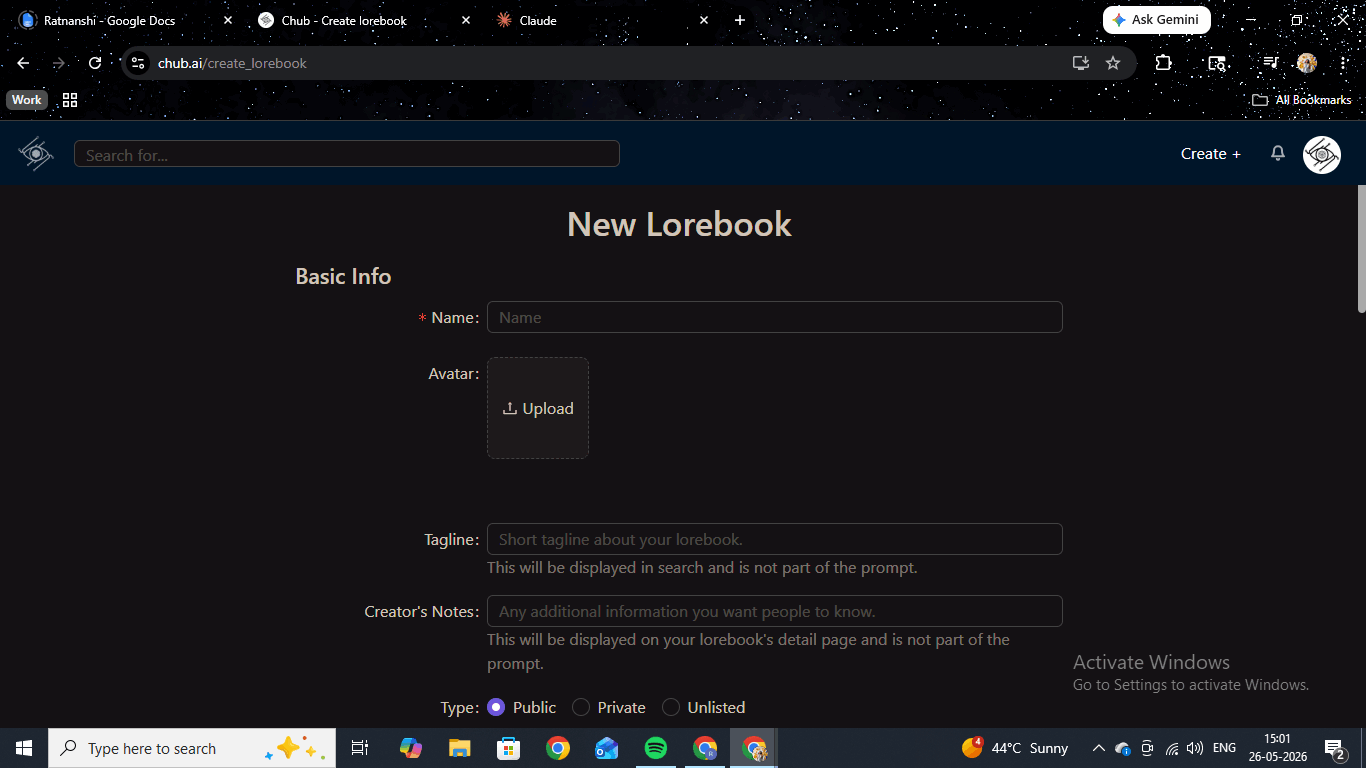
Lorebooks are a worldbuilding system that most AI roleplay platforms do not have at all. You create a set of keyword-triggered entries: when a defined keyword appears during a conversation, the Lorebook automatically injects that entry's content into the AI context. For a long-running campaign, this means the model holds specific lore, character relationships, and world rules across hundreds of messages without you restating any of it each session. The creation form gives you control over Scan Depth, Token Budget per turn, and Recursive Scanning — whether one entry can trigger another. It is the feature we underrated going in and kept coming back to once we understood it.